



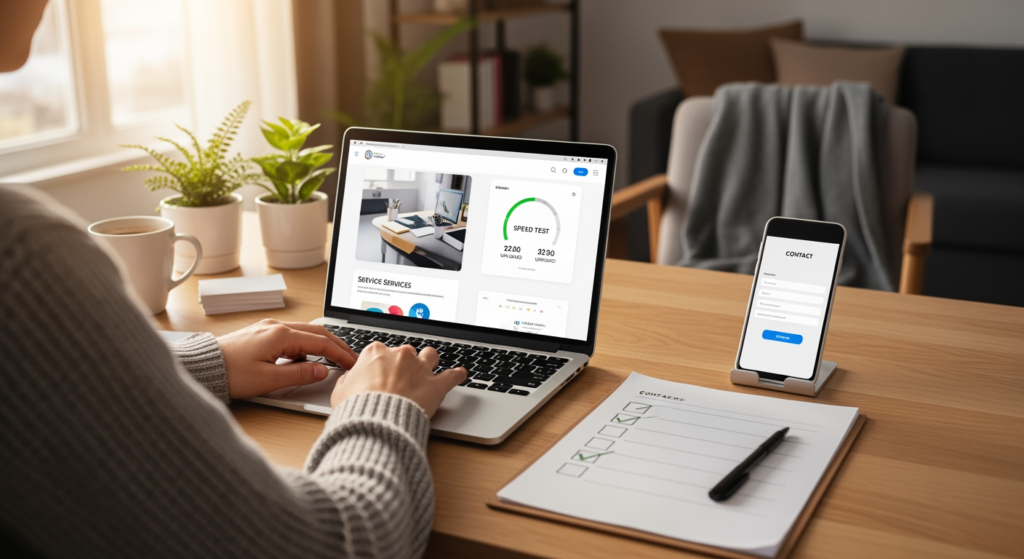
February is the calm before the spring rush, which makes it the perfect time to run a seo checklist for spring—without committing to a full website rebuild. If you’re a local business owner or manager, you’re probably thinking about warmer-weather demand, busier schedules, and whether your site will actually turn that attention into calls, form fills, and booked jobs. The problem is that “we’ll redo the website later” often turns into “we missed the season.”
A practical reset focuses on the handful of website design and on-site SEO items that most directly affect visibility and conversions. If you want a deeper look at how technical structure and pages fit together for local performance, see The Impact of Website Architecture on Local SEO Performance.
Bottom Line Upfront: February Reset Essentials
- Fix the pages that matter most first: your homepage, core service pages, and contact page typically influence leads more than blog redesigns.
- Make your site easier to navigate: clear menus and internal links help users (and crawlers) find your most important services fast.
- Refresh trust signals: reviews, project photos, service areas, and FAQs reduce “shopping around” behavior.
- Improve mobile usability: spring demand often comes from on-the-go searches; friction on mobile can quietly drain inquiries.
- Run a speed and form check: slow pages and broken forms don’t announce themselves—they just stop converting.
What a “Visibility Reset” Actually Includes (No Rebuild Required)
A February visibility reset is a targeted set of updates that improves how your site is understood and used—by both search engines and humans—without changing your entire design theme or rebuilding every page. Think of it like tuning up a car before a road trip: you’re not swapping the engine; you’re making sure the important parts don’t fail when you need them most.
For website design, the focus is usually on:
- Information hierarchy: do visitors immediately understand what you do, where you do it, and what to do next?
- Service page clarity: does each core service have its own page with a clear offer, proof, and next step?
- Internal navigation: can someone get from the homepage to the right service page in one or two clicks?
- Conversion pathways: are your calls-to-action consistent (call, quote, schedule, request info) and easy to use?
- Technical hygiene: speed, mobile layout, indexability, and basic on-page elements (titles, headings) are stable.

Why February Timing Matters for Spring Leads
Spring lead season tends to reward businesses that look “ready” when demand starts rising. If your site is confusing, slow, or missing key pages, you may still get traffic—just not the kind that turns into booked work. February gives you a buffer to make changes, verify they work, and avoid scrambling when you’re already busy.
Practical implications of waiting too long can include:
- Lost opportunities: prospects may choose the competitor whose site answers questions faster.
- Higher admin load: unclear pages create more back-and-forth calls and emails (the opposite of “efficient busy”).
- Wasted marketing effort: even strong local visibility can underperform if the website experience is leaky.
- Rushed fixes: last-minute edits increase the chance of broken layouts, missing tracking, or inconsistent messaging.
Common February Fixes People Get Wrong (Quick Checklist)
- Only updating the homepage: if service pages are thin or outdated, the homepage can’t do all the heavy lifting.
- Adding popups everywhere: aggressive popups can hurt mobile usability and reduce form completion.
- Changing menus without a plan: navigation tweaks can bury profitable services if you don’t map user paths first.
- Ignoring the contact page: missing hours, unclear service areas, or a clunky form can kill conversions.
- “Set it and forget it” forms: forms can break after plugin/theme updates; test them like your revenue depends on it (because it often does).
- Refreshing copy but not proof: stronger wording helps, but reviews, photos, and project examples often close the gap.
Your February-to-Spring Action Plan (Website Design + On-Site SEO)
- Identify your top 3 money pages: typically one homepage + 1–2 core services; prioritize updates there first.
- Do a 5-minute mobile walkthrough: open your site on a phone and try to (1) find a service, (2) call, (3) submit a form.
- Clean up your navigation: keep primary menu items focused on core services, locations/service area, and contact.
- Refresh service page sections: add “Who it’s for,” “What’s included,” “Common questions,” and “Next step.”
- Strengthen trust signals: add recent reviews, before/after photos, certifications (if applicable), and clear service area language.
- Check titles and headings: ensure each core page has a unique page title and one clear H1 that matches the page’s intent.
- Speed spot-check: compress oversized images, remove unused plugins, and confirm caching is working (especially on mobile).
- Test every lead path: click-to-call, form submissions, email links, and any booking tools—then confirm you receive notifications.
- Set a “spring-ready” deadline: aim to finish critical updates before your busiest weeks begin so you can measure and adjust.

Professional Insight: The Small Change That Usually Moves the Needle
In practice, we often see the biggest spring lift come from making one or two core service pages dramatically clearer—then tightening the path from those pages to a single, obvious next step (call, quote request, or booking). It’s rarely the “perfect design”; it’s the reduction of confusion.
When DIY Updates Stop Being Enough
- You’re not sure which pages to prioritize: if everything feels important, you may need a quick audit and a plan.
- Mobile layout issues keep popping up: recurring spacing, menu, or tap-target problems often require theme-level fixes.
- Your forms or tracking are unreliable: missed leads and broken attribution are hard to detect without structured testing.
- Service pages don’t match what you sell today: misalignment can cause low-quality calls and poor conversion rates.
- Speed is consistently slow: performance problems can be hosting, plugins, images, or code—sometimes all of the above.
Common Questions About a February Website Reset
How long does a visibility reset usually take?
It depends on how many core pages you’re updating and whether you’re fixing layout, speed, or technical issues. Many businesses start with the top 3–5 pages and expand after those are cleaned up and tested.
Do I need new pages to get ready for spring demand?
Not always. If you already have solid service pages, you may get more value from improving clarity, internal navigation, and conversion elements than from adding brand-new pages.
What should I check first on mobile?
Start with navigation, click-to-call, form usability, and page load time. If a visitor can’t quickly find the right service and contact you, spring traffic won’t translate into leads.
Can website design changes affect local visibility?
Yes. Clear site structure, strong service pages, and clean internal linking can make it easier for search engines to understand your offerings and for users to engage—both of which can support better performance over time.
Is February too early to prepare for spring leads?
For many local businesses, February is a practical window because it gives you time to implement changes, verify everything works, and avoid rushed edits once your schedule fills up.
Taking Action Before the Season Hits
A February reset is about removing friction: clearer service pages, smoother navigation, stronger trust signals, and reliable conversion paths. You don’t need a full rebuild to be more competitive in spring—you need the right updates in the right places. If you tackle the essentials now, you’ll be in a better position to capture demand when it ramps up. And you’ll spend less time troubleshooting your website when you’d rather be serving customers.
Book Your Consultation
Schedule a free consultation with our experts.
