



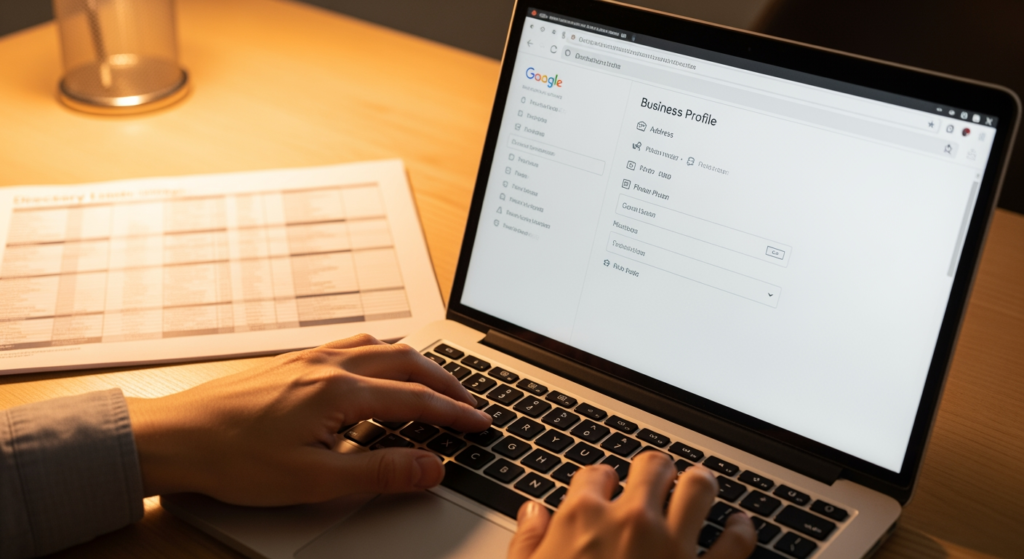
NAP consistency problems happen when your business name, address, or phone number shows up differently across Google, your website, and online directories. For local business owners, that mismatch can create real-world headaches: customers go to the wrong place, call the wrong number, or lose confidence that you’re legitimate. It also makes it harder for search engines to trust your business data, which can limit how often you appear in local results.
This how-to guide walks you through a clean, repeatable process to find inconsistencies, choose a single “source of truth,” and correct your listings without creating new duplicates. If you want more background on why listings matter for local visibility, read The Impact of Local Business Listings on SEO and Online Visibility.
Bottom Line Upfront: Fixing Your Business Info Fast
- Pick one official version of your business name, address, and phone number, then use it everywhere.
- Audit your top platforms first (Google Business Profile, your website, major directories) before chasing long-tail listings.
- Fix duplicates and old locations before you “update” anything—duplicates can keep reintroducing errors.
- Update your website and key citations, then monitor for reappearing variations over time.
- Keep proof (screenshots, logins, change dates) so future updates don’t undo your work.
How NAP Mismatches Confuse Search Engines (and Customers)
NAP stands for Name, Address, Phone number. In local SEO, these details act like identity signals. When the same business has multiple versions of its name (LLC vs. no LLC), address (Ste. vs. Suite, old location, missing unit), or phone number (tracking number, old line, call center), platforms may treat them as separate entities.
That confusion can lead to:
- Split authority (signals spread across multiple listings)
- Duplicate profiles (two entries for the same business)
- Customer friction (wrong directions, dead numbers, inconsistent branding)
The goal isn’t perfection on day one—it’s establishing a single, consistent “canonical” version and systematically aligning your major data sources to it.

The Real Cost of Leaving Inaccurate Listings Unfixed
Inconsistent business info tends to create compounding problems. A small formatting difference might seem harmless, but outdated or conflicting data can spread when directories scrape each other or when users suggest edits.
Practically, here’s what can be at stake:
- Time: You’ll spend more time responding to “Where are you located?” calls and fixing recurring issues.
- Lead quality: Prospects who hit a wrong number or wrong address often don’t try again.
- Local visibility: Platforms may hesitate to surface a business with conflicting identity signals.
- Operations: Staff may follow the wrong “official” info if internal documentation isn’t aligned.
Even if rankings don’t change overnight, cleaning up your data reduces preventable friction and creates a more stable foundation for local optimization.
Common NAP Cleanup Mistakes (Use This Checklist)
- Updating everything before choosing a standard: If you don’t define your official format first, you’ll end up with “consistent inconsistency.”
- Ignoring duplicates: Two listings can compete with each other and keep resurrecting old info.
- Mixing tracking numbers with your primary phone: Call tracking can be useful, but it needs a plan so it doesn’t fragment your citations.
- Forgetting your website footer and schema: Many directories and tools pull data from your site; if your site is wrong, the web stays wrong.
- Changing your business name casually: Adding/removing keywords or extra descriptors can create verification and trust issues on major platforms.
- Not documenting logins and changes: Without a record, future edits (by staff or vendors) can undo your fixes.
Your Step-by-Step Plan to Fix NAP Consistency Issues
What you’ll achieve: A single, verified set of business details that match across your website and primary listings, plus a process to keep them aligned.
Prerequisites (What to Gather First)
- Official business name you want to use publicly (exact spelling and formatting)
- Correct physical address (including suite/unit formatting)
- Primary phone number you want customers to call
- Access to your website CMS (or whoever can edit your site)
- Access to your key listings (especially Google Business Profile)
- A simple tracking sheet (spreadsheet is fine)
-
Define your “canonical” NAP (your source of truth).
Tip: Match your real-world identity. Use the version of your business name you use on signage, invoices, and legal/brand materials. For addresses, pick one standard (e.g., “Suite” vs. “Ste”) and stick to it.
-
Fix your website first (header, footer, contact page, and any location pages).
Tip: Put your canonical business details in the footer and contact page so it’s easy to find and less likely to drift. If you have multiple locations, ensure each location’s page has the correct unique info.
-
Audit your top citations and platforms (start with the ones customers actually use).
Tip: Prioritize: Google Business Profile, Apple Maps, Bing Places, Facebook, Yelp, and major data-driven directories relevant to your industry. Log every variation you find in your tracking sheet.
-
Find and handle duplicates before making broad updates.
Tip: If you see two listings on the same platform, don’t “update both and hope.” Look for merge, remove, or mark-as-duplicate options. When in doubt, keep the listing with the strongest history/reviews and correct it.
-
Correct high-impact listings one-by-one using your canonical format.
Tip: Use the same punctuation and spacing consistently. Small differences can matter when platforms match entities automatically.
-
Address special cases: moves, service-area businesses, and tracking numbers.
Tip: If you moved, update the address everywhere (and look for old-location listings that need removal). If you’re a service-area business, follow platform rules for hiding/showing addresses—don’t improvise.
-
Submit updates to secondary directories and data sources.
Tip: Some sites update quickly, others take longer or require verification. Track “date submitted” and “date confirmed” so you know what’s still pending.
-
Monitor and maintain: set a recurring check.
Tip: Put a quarterly reminder on your calendar to re-check major platforms and search for your business name + old phone/address. This catches re-scraped errors early.

A Word from Experience: The “One Field” That Usually Breaks Everything
In practice, we often see the address line create the most long-term inconsistency—especially suite numbers, abbreviations, and old locations that still exist on niche directories. When you standardize the address format and remove duplicates tied to the old version, the rest of the cleanup tends to stick much better.
When DIY Fixes Aren’t Enough (and You Should Get Help)
You can usually handle basic updates yourself, but it’s smart to bring in professional support when:
- You find multiple duplicates across major platforms and can’t get them removed or merged.
- Your business moved and old addresses keep resurfacing after you update them.
- You manage multiple locations and need a scalable process to keep each location accurate.
- You’re using call tracking and need a plan that doesn’t fragment your primary business identity.
- You don’t have access to key listings (former employee/agency controls them) and need a recovery path.
Frequently Asked Questions About Cleaning Up Listings
How long does it take for directory updates to show up?
It depends on the platform. Some updates appear quickly after verification, while others review changes manually or refresh data on a schedule. Track submission dates so you can follow up if needed.
Should I use “Suite” or “Ste” in my address?
Either can work—what matters most is choosing one format and using it consistently across your website and key listings, especially on the platforms that feed other directories.
What if my business has a call tracking number?
Call tracking can be useful, but it should be implemented intentionally. Many businesses keep one primary number as the core identity and use tracking numbers in specific campaigns or on specific pages to avoid widespread mismatches.
Do I need to update my website if my Google listing is correct?
Yes, it’s typically wise. Your site is often treated as a trusted reference point, and some tools and directories pull business details from it. If the site differs, inconsistencies can reappear.
Can changing my business name hurt my listing?
Major platforms may require additional verification when the business name changes, and frequent changes can create confusion. If you need to adjust your public-facing name, make the change carefully and update supporting listings promptly.
Taking Control of Your Local Business Data
Fixing mismatched listings is mostly a process problem, not a mystery. Start by defining one official version of your business details, correct your website, then work through the platforms that customers and search engines rely on most. Keep a log, resolve duplicates, and set a recurring check so old data doesn’t creep back in.
Book Your Consultation
Schedule a free consultation with our experts.
